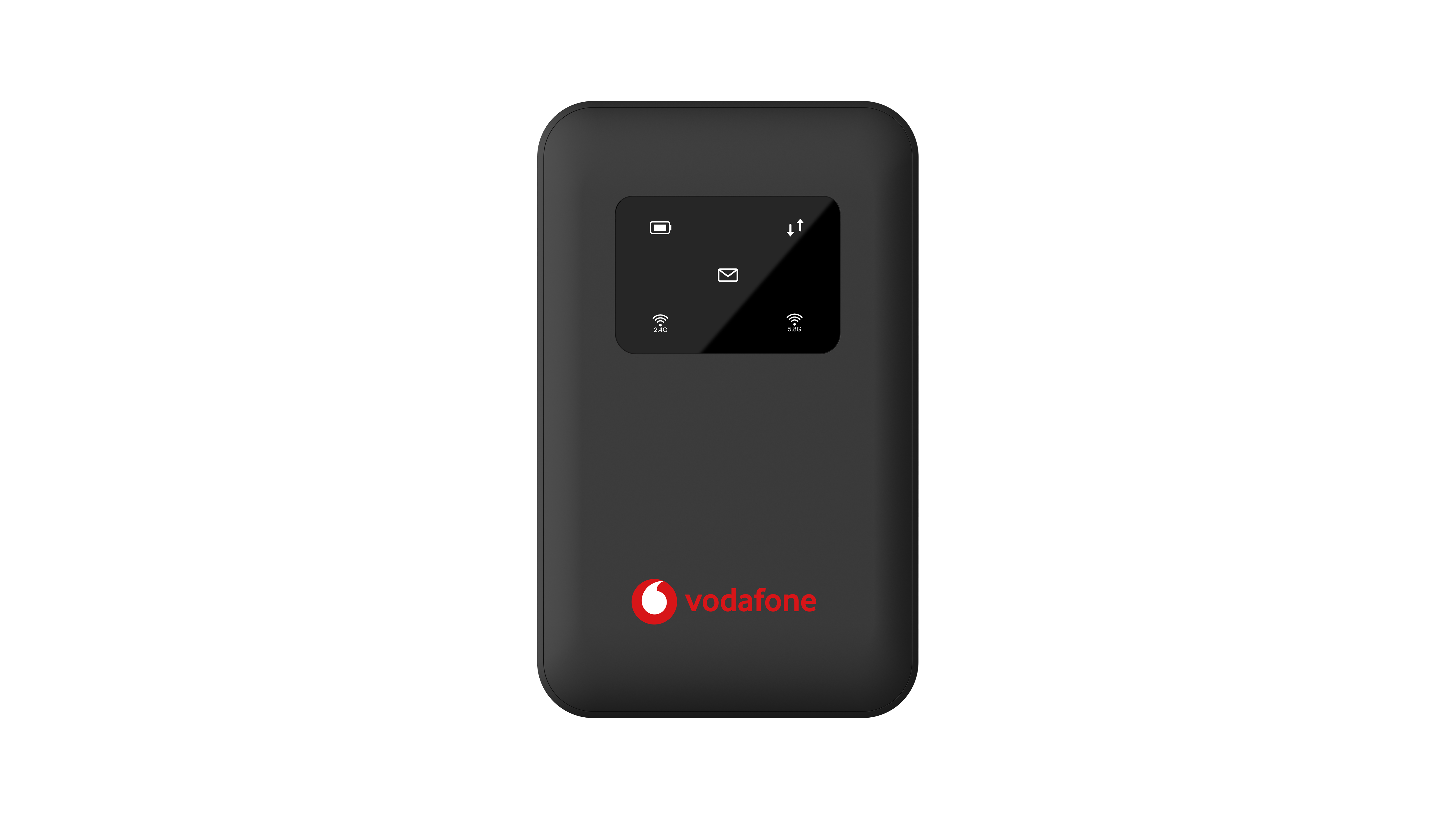
User Guide:
1. Insert the SIM card
Insert the SIM card into the correct slot.
2. Power on the device
Press and hold the power button until the device turns on.
3. Wait for activation (important)
- Keep the device turned on for up to 15 minutes
- During this time, the device may flash or blink - this is normal
- Do not turn off the device during this process
4. Device ready to use
After ~15 minutes, the device should stop flashing and begin working normally.
No approved reviews yet.
Sign in to leave a review. Reviews are published after admin approval.
Loading reviews...
No. EG-PC compares prices and availability for 4G M90 Mi-Fi. The retailer listing this product is Vodafone Eg.
EG-PC tracks recently seen prices from supported Egyptian retailers. Always confirm the final price and stock status on the retailer website before checkout.
Yes. Use the related category, brand, store, and search links on this page to compare similar computer hardware listings across Egypt.